
How to Choose Smart Locks for Your Property
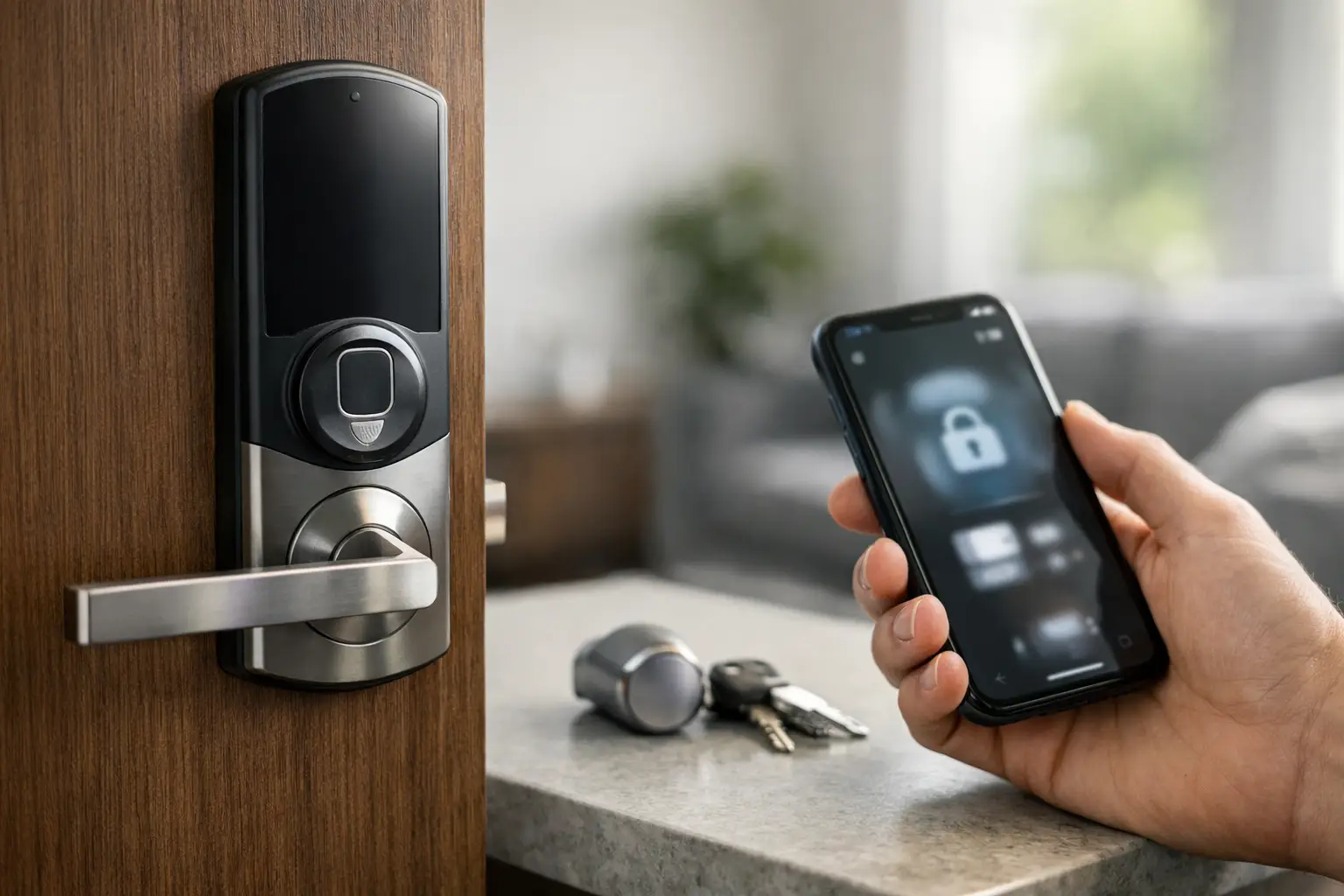
A smart lock should make daily access easier without creating a weak point at your door. That is the standard to use when deciding how to choose smart locks for a home, rental property, office, or storefront. The right model fits the door correctly, gives the right people appropriate access, and still provides dependable entry when batteries, phones, or internet connections are unavailable.
For Montgomery County property owners, the decision often comes down to more than convenience. You may be managing contractor access, replacing keys after a move, securing an office with several employees, or helping an older family member avoid the hassle of carrying keys. A qualified locksmith can help match the hardware to those real-life needs rather than installing a feature-heavy device that does not suit the door or security plan.
Start With the Door, Not the App
Smart locks are not one-size-fits-all. Before comparing keypad codes, mobile apps, or fingerprint readers, look closely at the existing door and lock hardware. A lock that works well on one entry door may not fit another without adjustments.
Most residential smart deadbolts are designed for standard exterior doors, but door thickness, backset measurement, bore hole size, and strike alignment still matter. A warped door, loose hinges, or a deadbolt that already sticks can cause problems that no electronic feature will fix. The lock must extend and retract smoothly before a smart lock is installed.
For a commercial property, the question is broader. An aluminum storefront door, a glass entry system, a panic-bar-equipped exit, or a fire-rated door may require specific hardware and code-aware installation. The wrong device can interfere with egress, damage the door, or leave staff relying on an unreliable entry point. Commercial access should be evaluated as part of the entire opening, not as a standalone gadget.
Check Whether You Need a Deadbolt or Lever Lock
A deadbolt smart lock is a common choice for residential front, side, and garage-entry doors. It provides a strong physical locking point and can replace an existing deadbolt or work alongside a separate handle.
A smart lever lock may be more appropriate for certain interior offices, rental units, or doors where a latch is already the primary locking mechanism. However, not every lever lock is suitable for an exterior door. Consider the door’s use, exposure, and the level of protection required before choosing between the two.
Choose the Right Way to Enter
The best smart lock is the one every authorized person can use consistently. A household with teenagers, a property manager with maintenance vendors, and an office with changing staff will not necessarily need the same access method.
Keypad entry is practical because users can enter a code without carrying a key or phone. It is especially useful for guests, cleaners, dog walkers, contractors, and short-term access. Look for a lock that allows unique codes for different users and lets you remove a code when access is no longer needed.
Phone-based entry can offer useful control, particularly when you want to grant access remotely or receive activity notifications. Bluetooth locks work when a phone is nearby, while Wi-Fi-enabled models can support remote management. Wi-Fi capability can be convenient, but it also means the lock depends more heavily on network setup, account security, and ongoing software support.
Fingerprint access can be fast for a small group of regular users, but it should not be the only entry method. Wet fingers, dirty hands, sensor wear, and varying user habits can affect performance. For most properties, a keypad or physical key backup remains a more dependable second option.
Some locks work with voice assistants or home automation platforms. These features can be helpful, but they should be treated as secondary convenience tools. The lock’s primary job is to control physical access reliably.
How to Choose Smart Locks With Strong Security Features
Convenience should never replace sound door security. When comparing models, focus on the protections that reduce unauthorized access and help you stay in control of the lock over time.
A quality smart lock should use a strong mechanical deadbolt and durable housing, not just a polished touchscreen. Check the lock’s ANSI/BHMA grading when available. Higher-grade hardware is generally built to withstand more demanding use and force. For a heavily used business entrance or a primary home entry, physical durability deserves as much attention as digital features.
Account protection matters too. Use a unique password for the lock’s app account, enable multi-factor authentication if the manufacturer offers it, and avoid sharing a single master login across multiple users. Assign individual codes or user permissions whenever possible. That creates accountability and makes it easier to remove access for one person without disrupting everyone else.
Also consider how the manufacturer handles software updates. Connected locks are electronic devices, and security improvements may be delivered through firmware updates. Choose a recognized product with a clear support history and keep the app and lock software current. If a model has unclear documentation or limited support, it may not be a dependable long-term choice.
Do Not Overlook Backup Entry
Every smart lock needs a backup plan. Batteries eventually run low, phones get lost, and Wi-Fi service can go down. A lock should not leave you standing outside your own property because one convenience feature failed.
Many smart locks include a traditional key cylinder. Others provide external emergency power contacts that can temporarily power the keypad so you can enter a code. Some models use replaceable batteries with advance low-battery warnings through the keypad or app. Understand exactly how the backup method works before installation, and keep any physical backup key controlled and accessible.
For businesses, identify who is authorized to use emergency entry and where that procedure is documented. A smart lock can improve access management, but only if the people responsible for the property understand the system.
Match Access Control to Your Daily Routine
The right lock should reduce key-management problems, not create a complicated new routine. Think about who needs access now and who may need temporary access later.
A homeowner may want separate codes for family members and a temporary code for a service professional. A landlord or property manager may need to change access between tenants and coordinate maintenance visits without collecting multiple physical keys. An office may require individual credentials, scheduled permissions, audit records, and a process for removing former employee access immediately.
If you manage several doors, a standalone smart lock on each door may become difficult to administer. A broader commercial access control system can provide centralized management and clearer permissions across the property. The right answer depends on the number of users, doors, and access changes you expect, not simply on the number of features listed on a product box.
Consider Privacy, Connectivity, and Power Requirements
A connected lock collects some level of access information, especially when it logs entries or sends alerts. Review the app’s privacy settings, determine who can see activity history, and limit administrator access to trusted people. For rental or commercial properties, communicate clearly about what access records are collected and how they are used.
Connectivity is another trade-off. Bluetooth-only locks can work without relying on your home network, but remote control may be limited. Wi-Fi locks make remote management easier, yet they depend on a stable signal at the door. In a large property, basement office, or metal-framed commercial space, test the wireless connection where the lock will be installed.
Battery maintenance should be part of the plan. Set a reminder to check battery status, keep the correct replacement batteries available, and respond promptly to low-power alerts. Avoid mixing old and new batteries, which can shorten performance and cause inconsistent operation.
Professional Installation Protects the Whole Entry System
Many smart lock problems are actually door problems. A lock may appear to malfunction when the strike plate is misaligned, the door is sagging, or the deadbolt is binding against the frame. Proper installation includes checking the full operation of the door, latch, deadbolt, strike, screws, and reinforcement points.
Professional installation is particularly valuable when replacing older hardware, working with high-security doors, integrating access controls, or setting up multiple users. A licensed and insured locksmith can verify that the lock fits, program access correctly, explain the backup entry method, and help ensure the system supports your property’s real security needs.
Multi Locksmith LLC provides on-site smart lock installation and security guidance for homeowners and businesses throughout Montgomery County. For properties in Rockville, Bethesda, Silver Spring, Gaithersburg, and nearby communities, local professional support can be especially helpful when a door needs adjustment before new hardware is installed.
Choose a smart lock that your household or team can operate confidently, maintain consistently, and recover from when technology is not cooperating. A well-fitted lock with clear access rules and a reliable backup method will serve your property far better than the most complicated option on the shelf.