
Why Smart Lock Battery Problems Keep Happening
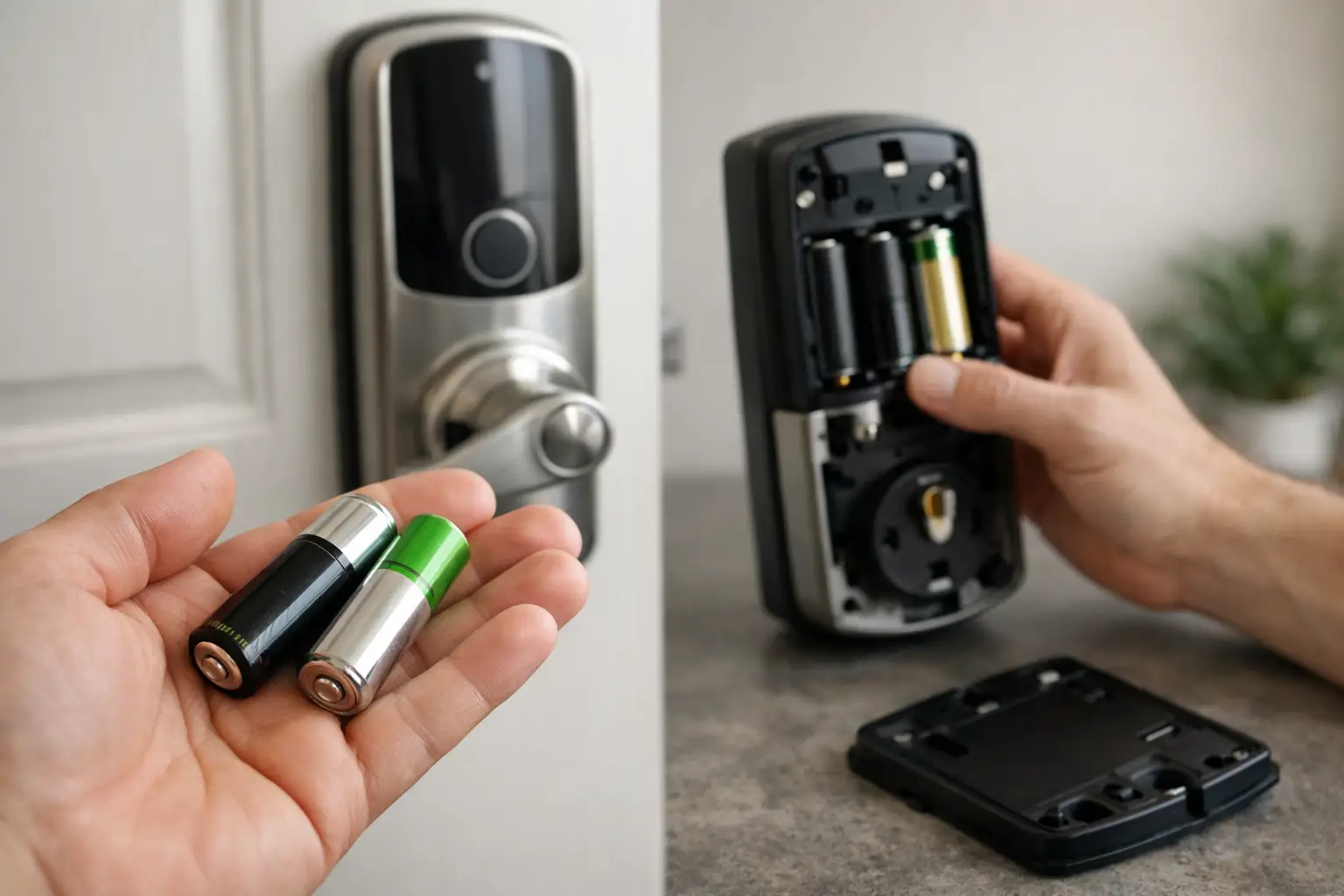
A keypad that flashes unexpectedly, a lock that beeps after the door closes, or a deadbolt that stops halfway can turn a normal day into a stressful one. Smart lock battery problems are often the first suspect, but a battery warning does not always mean the batteries alone are responsible. The lock may be drawing too much power, the bolt may be binding against the strike plate, or the device may have lost its proper connection to the door.
For homeowners, landlords, and business operators, the right response is not simply replacing batteries repeatedly. Understanding what the warning signs mean can help prevent a lockout, protect access to the property, and identify when a professional locksmith should inspect the hardware.
Why Smart Lock Battery Problems Happen
Smart locks use more power than a standard mechanical deadbolt. Each keypad press, app connection, motor cycle, status light, and wireless signal draws from the battery supply. Most locks are designed to run for months before needing new batteries, but actual battery life depends on the model, usage, door condition, and battery type.
Frequent use naturally shortens battery life. A busy office entrance, short-term rental, or household with several people entering throughout the day will use more power than a lightly used side door. Cold weather can also reduce battery performance, especially when the lock is installed on an exterior door exposed to winter temperatures.
The more concerning issue is unusually fast drain. If fresh batteries lose power within a few weeks, the lock may be working harder than it should. A motor that must force a bolt into place uses significantly more energy than one that moves freely. Misalignment between the deadbolt and strike plate is one of the most common reasons a smart lock drains batteries faster than expected.
Battery warnings can point to a door problem
When the door is slightly sagging, swelling from moisture, or shifting with seasonal temperature changes, the bolt may rub against the strike opening. The smart lock motor continues trying to complete its cycle, which puts strain on both the lock and its batteries.
You may notice that the lock works well while the door is open but struggles when the door is closed. That pattern strongly suggests alignment trouble rather than a simple battery issue. Replacing batteries may temporarily improve performance, but it will not correct the underlying resistance.
Signs Your Smart Lock Needs Attention
Most quality smart locks provide low-battery alerts through an app, keypad indicator, voice prompt, or repeated beeping. Do not ignore these warnings until the lock stops responding. Battery power can decline quickly near the end of its cycle, particularly in cold weather.
Other signs deserve a closer look. The keypad may light up slowly, the motor may sound weaker than usual, or the lock may take multiple attempts to extend or retract the bolt. Some locks lose Wi-Fi or Bluetooth connection more often when battery power is low, even though the mechanical portion still operates.
A lock that makes grinding, repeated clicking, or straining sounds should be inspected even after new batteries are installed. Those sounds can indicate a mechanical alignment issue, worn internal components, or an installation problem. Continuing to force the lock through repeated commands can cause a complete failure at an inconvenient time.
What to Do When the Battery Is Low
Act early when your smart lock announces a low-battery condition. Keep the door open while testing the lock after installing new batteries. This lets you confirm that the bolt moves correctly without risking an unexpected lockout.
Use this practical approach:
- Replace the full set of batteries at the same time. Mixing old and new batteries can create uneven power delivery.
- Use the battery type specified by the lock manufacturer, preferably from a dependable brand. Rechargeable batteries may not provide the voltage level some smart locks expect.
- Check the battery contacts for corrosion, moisture, dirt, or bent metal tabs. Clean, dry contacts are necessary for a consistent connection.
- Test locking and unlocking with the door both open and closed. If performance changes when the door is closed, have the alignment checked.
Do not repeatedly reset the lock as a first response. A reset can erase user codes, app settings, and connected access permissions without fixing a mechanical problem. If the lock still drains batteries quickly after a proper replacement, focus on diagnosing the cause rather than repeating the same step.
Choosing Batteries and Installing Them Correctly
Battery selection matters more than many property owners realize. Smart lock manufacturers commonly recommend alkaline batteries because they provide stable output and are widely available. Check the instructions for your specific model before choosing an alternative.
Avoid combining different brands, battery chemistries, or partially used batteries. Even if they fit in the compartment, mismatched batteries can produce inconsistent results. Marking the installation date inside the battery cover or adding a calendar reminder can help you replace batteries before a warning becomes urgent.
During installation, confirm that each battery is seated in the correct direction and that the compartment cover closes fully. A loose cover or weak contact may cause intermittent power loss that looks like a software malfunction. If the lock powers on and off, loses stored settings, or only works when the cover is pressed, the battery contacts or housing may need professional attention.
Get a Professional Smart Lock Battery Assessment
Multi Locksmith LLC provides licensed, insured, and background-checked technicians for smart lock troubleshooting, battery replacement, and installation throughout Montgomery County.
📞 Call 240-706-4799When Battery Drain Means a Locksmith Is Needed
A qualified locksmith can determine whether the concern is electrical, mechanical, or related to the door itself. This is especially useful when a smart lock has been installed on an older door, a door that has shifted over time, or a commercial entrance with heavy daily traffic.
Professional service is recommended when new batteries do not resolve the problem, the deadbolt will not move freely, the keypad becomes unresponsive, or the lock has visible damage. It is also wise to request an inspection if the lock was installed by a previous owner, tenant, contractor, or unverified service provider. Correct fit, secure mounting, and proper bolt alignment all affect reliability.
For property managers, recurring smart lock battery problems can create a larger access-control concern. Tenants, maintenance teams, vendors, and emergency responders may depend on consistent entry. A professional inspection can confirm that the lock is appropriate for the door and traffic level, while also identifying hardware issues before they interrupt operations.
Multi Locksmith LLC provides mobile locksmith support for smart lock concerns throughout Montgomery County, including diagnosis of deadbolt alignment, hardware condition, and installation-related problems. Licensed and insured service helps property owners make informed decisions when electronic access hardware is not performing as expected.
Prevent Battery Problems Before They Interrupt Access
The best maintenance habit is simple: respond to the first low-battery alert instead of waiting for the lock to stop working. Keep the physical key available if your smart lock model includes a key cylinder, and make sure authorized household members or staff know where it is kept. Test that key periodically so it remains a dependable backup.
Also pay attention to how the door closes. A door that must be pushed, pulled, lifted, or held in place before the smart lock can engage needs adjustment. The electronic lock should not have to fight the door to secure it. Correcting that resistance protects battery life and reduces wear on the motor.
A smart lock should add confidence to daily entry, not create uncertainty at the door. When warnings become frequent or operation starts to feel inconsistent, addressing the cause early is the most dependable way to keep your property protected and your access reliable.